
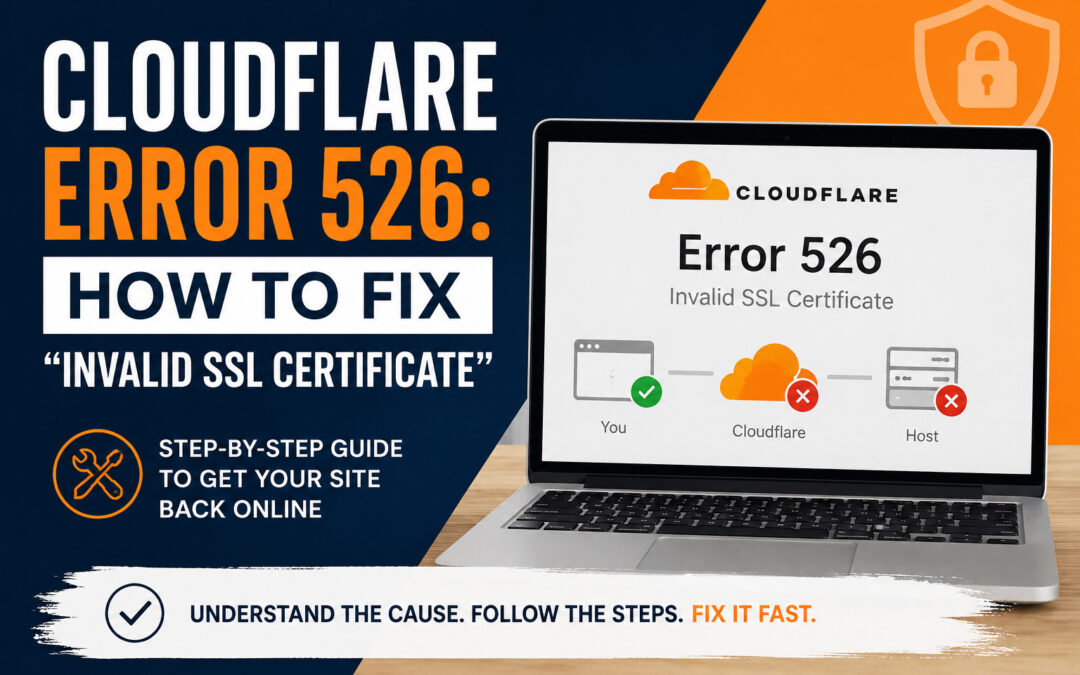
If you’re seeing a Cloudflare error 526 on your website, it usually shows up out of nowhere, and suddenly, your site is down.
I’ve run into this multiple times, and it can feel a little intimidating at first. The good news is, the fix is usually pretty straightforward once you know what’s actually causing it.
Here’s what’s going on and exactly how to fix it.
What Is Cloudflare Error 526?
A Cloudflare error 526 means Cloudflare can’t verify your website’s SSL certificate when it tries to connect to your server.
In simple terms:
- Your site has an SSL certificate
- Cloudflare is trying to check it
- Something isn’t lining up correctly
This usually happens when Cloudflare is set to Full (Strict) SSL mode, but your server’s certificate isn’t valid or properly installed.
Why Cloudflare Error 526 Happens
There are a few common reasons you’ll see this:
1. SSL Certificate Isn’t Installed Correctly
If your hosting SSL (like AutoSSL in cPanel) didn’t complete properly, Cloudflare won’t trust it.
2. Cloudflare SSL Mode Is Set to Full (Strict)
This setting requires a valid, trusted SSL certificate on your server.
If your SSL is missing or invalid → error 526.
3. DNS or Proxy Settings Changed
If you recently:
- Updated DNS records
- Switched hosting
- Enabled Cloudflare proxy (orange cloud)
…it can trigger this error.
You can also check the official documentation from Cloudflare for more technical details on SSL settings.
How to Fix Cloudflare Error 526 (Step-by-Step)
This is the exact process I use when I run into it.
Step 1: Temporarily Turn Off Cloudflare Proxy
Go into Cloudflare → DNS
Find your domain and:
- Change the orange cloud → gray cloud (DNS only)
This lets your server handle the connection directly so you can fix SSL.
Step 2: Re-run SSL on Your Hosting
Log into your hosting (cPanel or similar):
- Go to SSL/TLS Status
- Run AutoSSL
Make sure:
- Your domain shows as valid
- No errors appear
Step 3: Double Check Your SSL Is Working
Before turning Cloudflare back on:
- Visit your site using https
- Make sure it loads without warnings
If your site still shows issues here, Cloudflare isn’t the problem — the SSL needs to be fixed first.
Step 4: Turn Cloudflare Proxy Back On
Go back to Cloudflare:
- Turn gray cloud → orange cloud
Then:
- Clear/purge Cloudflare cache
Quick Tip If Your Site Still Isn’t Working
Sometimes it looks like the fix didn’t work, but it’s just caching again.
Try:
- Hard refresh (
Ctrl + F5) - Incognito window
- Different browser
Cloudflare Error 526 Fix (Real-World Note)
In most cases, this issue comes down to one thing:
Cloudflare is set to Full (Strict), but your SSL isn’t fully valid yet.
Once the SSL is properly installed and verified, the error goes away almost immediately.
Related Issue: Website Not Updating
If your site loads but changes still aren’t showing, that’s usually a different issue.
I covered that here: https://lauragcash.com/website-not-updating/
Final Thoughts
A Cloudflare error 526 looks serious, but it’s usually just a mismatch between Cloudflare and your server’s SSL setup.
Once you:
- Turn off the proxy
- Fix SSL
- Turn it back on
You’re back up and running.
If you’re running into issues like this or your site isn’t behaving the way it should, I offer website troubleshooting and support to help get things sorted quickly.