
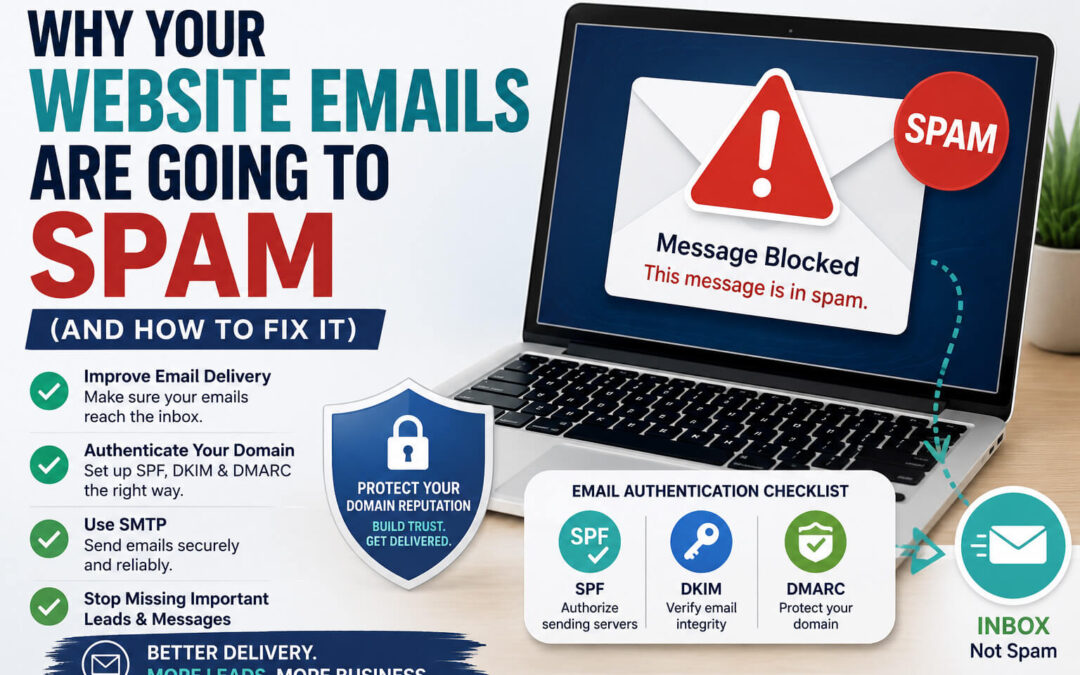
If your website emails are going to spam, there’s a good chance you’re missing important inquiries, leads, and customer messages.
One of the most frustrating things for business owners is finding out that people have been filling out contact forms or replying to emails, but the messages never made it to the inbox.
The good news is that most email delivery issues can be fixed once you understand what’s causing them.
Here are the most common reasons website emails go to spam and what you can do about it.
Why Website Emails Go to Spam
Email providers like Gmail, Outlook, and Yahoo use spam filters to protect users from unwanted messages.
If your website emails aren’t properly authenticated, they may be flagged as suspicious and sent directly to spam.
This can happen even if:
- Your website is working correctly
- Your contact forms are working
- Your SMTP plugin is configured
Email providers want proof that your domain is authorized to send email.
1) You’re Not Using SMTP
One of the biggest reasons website emails go to spam is that WordPress is using the default PHP mail function.
PHP mail often lacks proper authentication and can be viewed as less trustworthy by email providers.
What to do:
Set up SMTP on your website.
In many cases, SMTP authenticates outgoing emails and dramatically improves deliverability.
I covered the setup process in detail here: How to Set Up SMTP in WordPress
2) Your SPF Record Is Missing
SPF (Sender Policy Framework) tells email providers which servers are allowed to send email on behalf of your domain.
Without an SPF record, email providers may not trust your messages.
Example SPF Record:
v=spf1 include:_spf.google.com ~all (Your exact SPF record will depend on your email provider.)
3) DKIM Authentication Isn’t Configured
DKIM (DomainKeys Identified Mail) adds a digital signature to your emails.
This signature helps prove that your email was actually sent from your domain and hasn’t been altered.
DKIM adds a digital signature that helps verify your emails.
What to do:
Most providers offer DKIM setup instructions, including:
- Google Workspace
- Microsoft 365
- Mailchimp
- Zoho Mail
Google provides helpful guidance on email authentication and sender requirements for improving deliverability.
4) You Don’t Have a DMARC Record
DMARC works alongside SPF and DKIM to tell receiving email providers how to handle messages that fail authentication.
Without a DMARC record:
- You have less control over email delivery
- Spoofing is easier
- Deliverability may suffer
Even a basic DMARC policy is better than having none at all.
5) You’re Sending Emails From the Wrong Address
For example, this is a common mistake.
For example, your website might be sending emails from: yourbusiness@gmail.com
instead of: contact@yourdomain.com
Using an email address that doesn’t match your domain can increase the chances of messages being flagged.
Best Practice
Use an email address associated with your domain whenever possible.
6) Your Domain Has a Poor Reputation
Email providers pay attention to sending reputation.
If your domain has:
- Sent spam previously
- Been compromised
- Generated high bounce rates
Your emails may be treated with suspicion.
What to do
- Remove inactive email addresses from mailing lists
- Avoid purchasing email lists
- Monitor email performance regularly
7) Test Your Email Deliverability
Don’t assume your emails are arriving successfully.
Regularly test:
- Contact forms
- Notification emails
- Newsletter signups
- Password reset emails
Check both inbox and spam folders.
You’d be surprised how often website owners discover problems months after they start.
Website Emails Going to Spam? Start Here
If you’re troubleshooting email delivery issues, start with this checklist:
✔ Set up SMTP
✔ Verify your SPF record
✔ Enable DKIM authentication
✔ Add a DMARC record
✔ Use a domain-based email address
✔ Test your forms regularly
These steps solve the majority of email deliverability problems.
Final Thoughts
If your website emails are going to spam, don’t ignore the issue.
A missed email can mean:
- A missed lead
- A missed customer inquiry
- A missed sale
Fortunately, most email delivery issues can be fixed with proper authentication and configuration.
Taking the time to set up SPF, DKIM, DMARC, and SMTP can make a huge difference in how reliably your emails are delivered.
If you’re having trouble with email delivery, contact forms, or WordPress configuration, I offer website troubleshooting and support to help make sure everything is working the way it should.